Screen-record your app.
Get App Store screenshots.
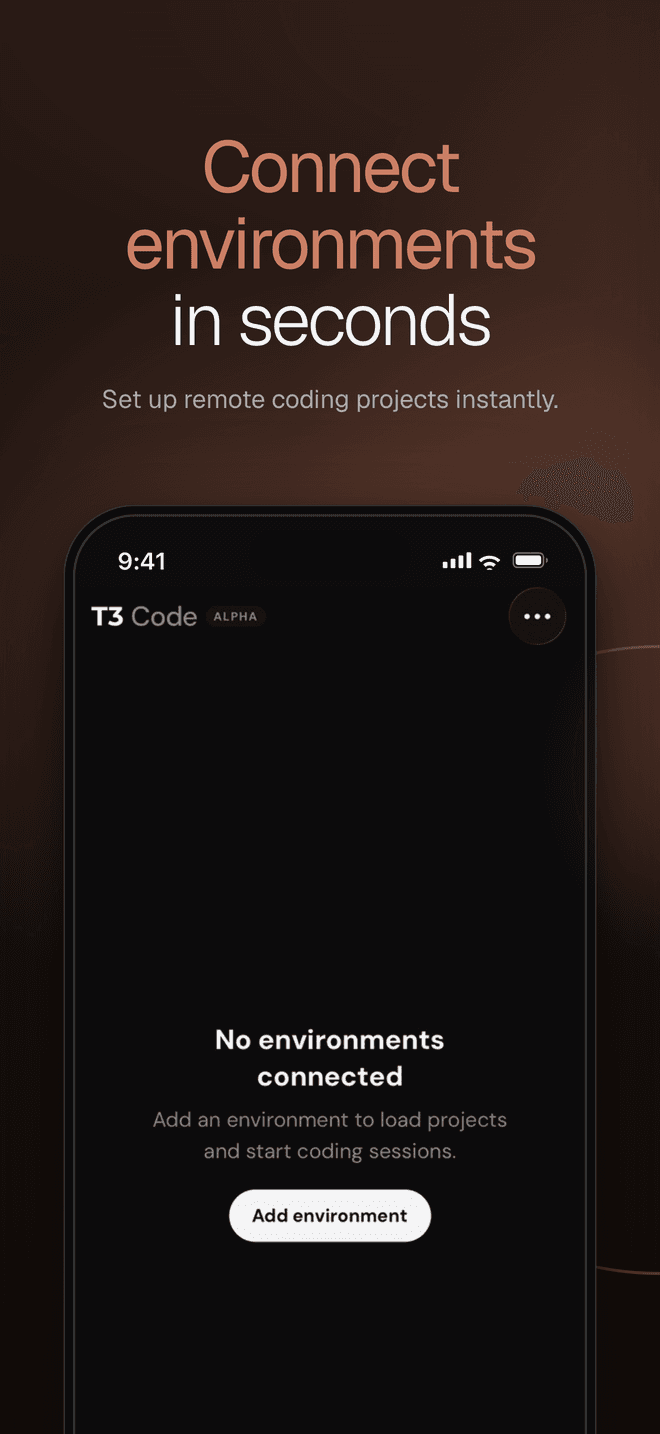
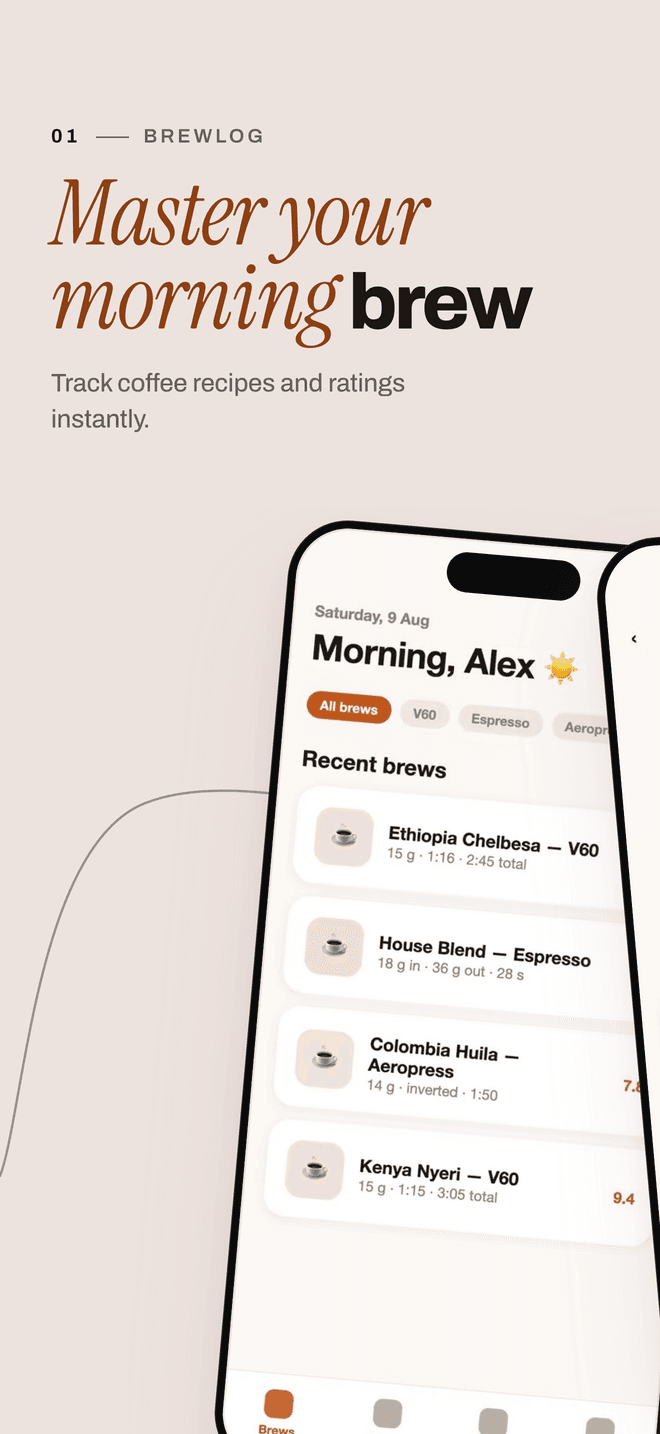
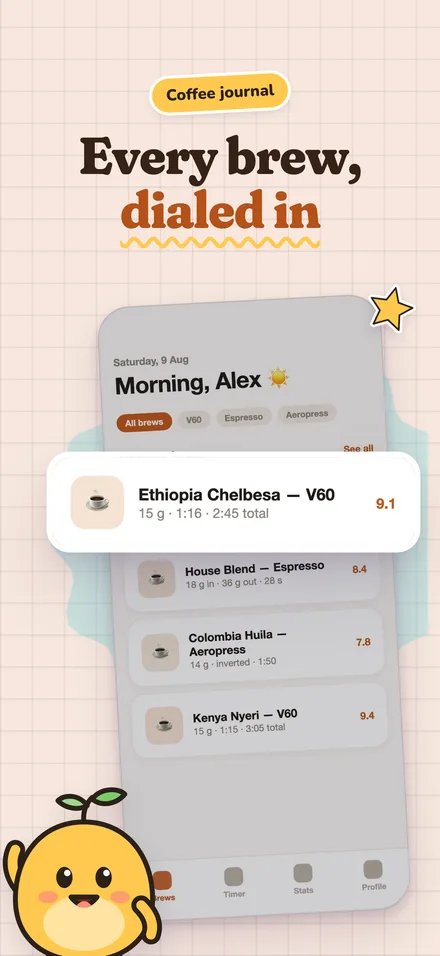
Drop a recording. We pick the screens, write the copy and render store-ready sets. Your video stays in your browser.
Open the studio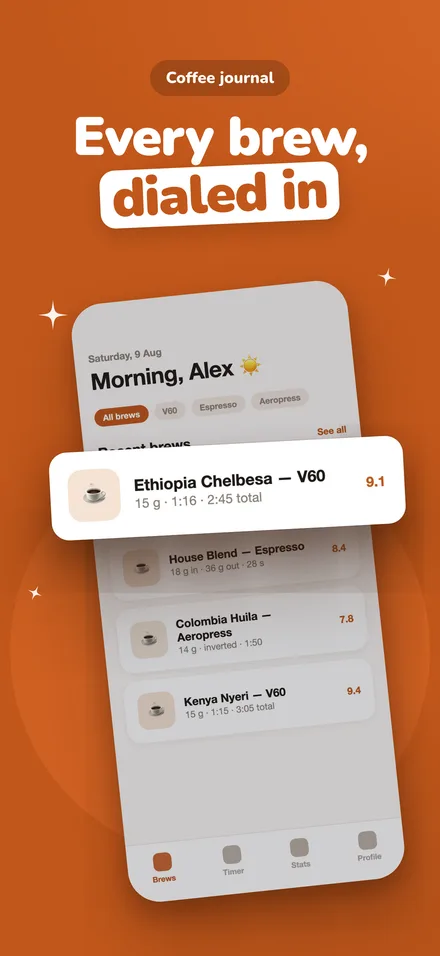
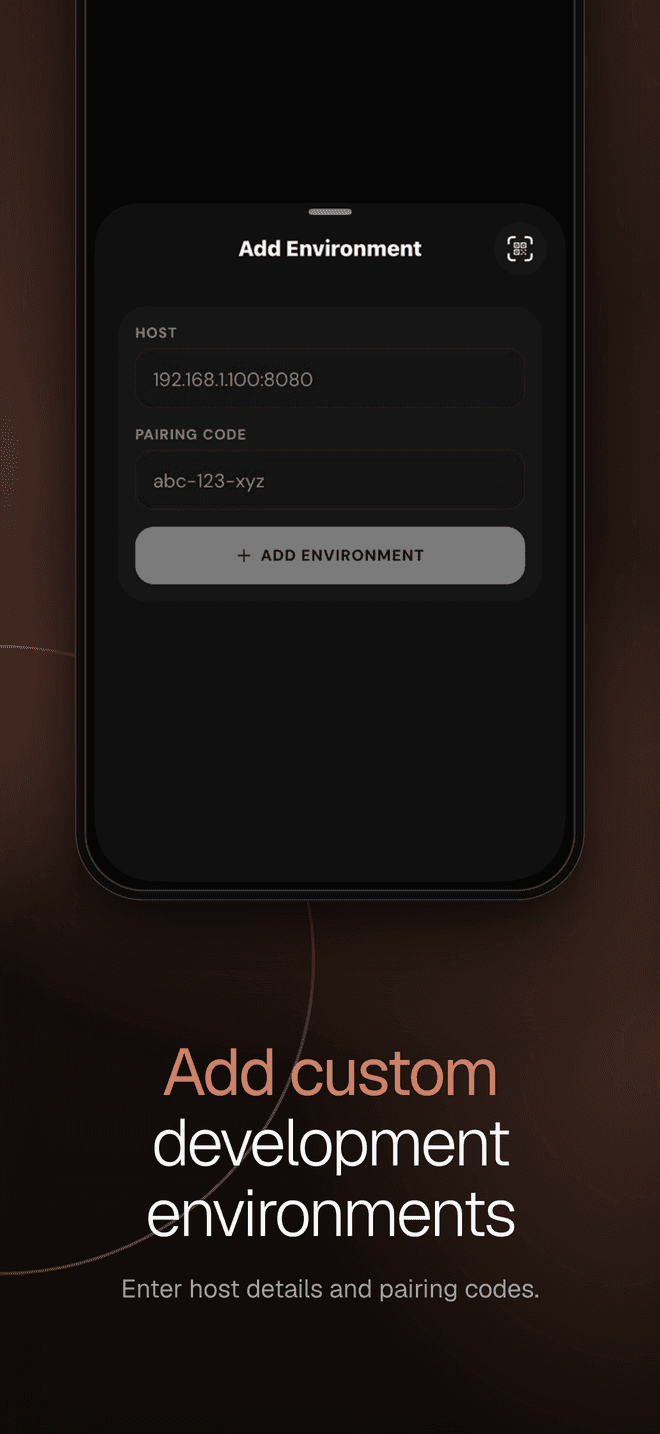
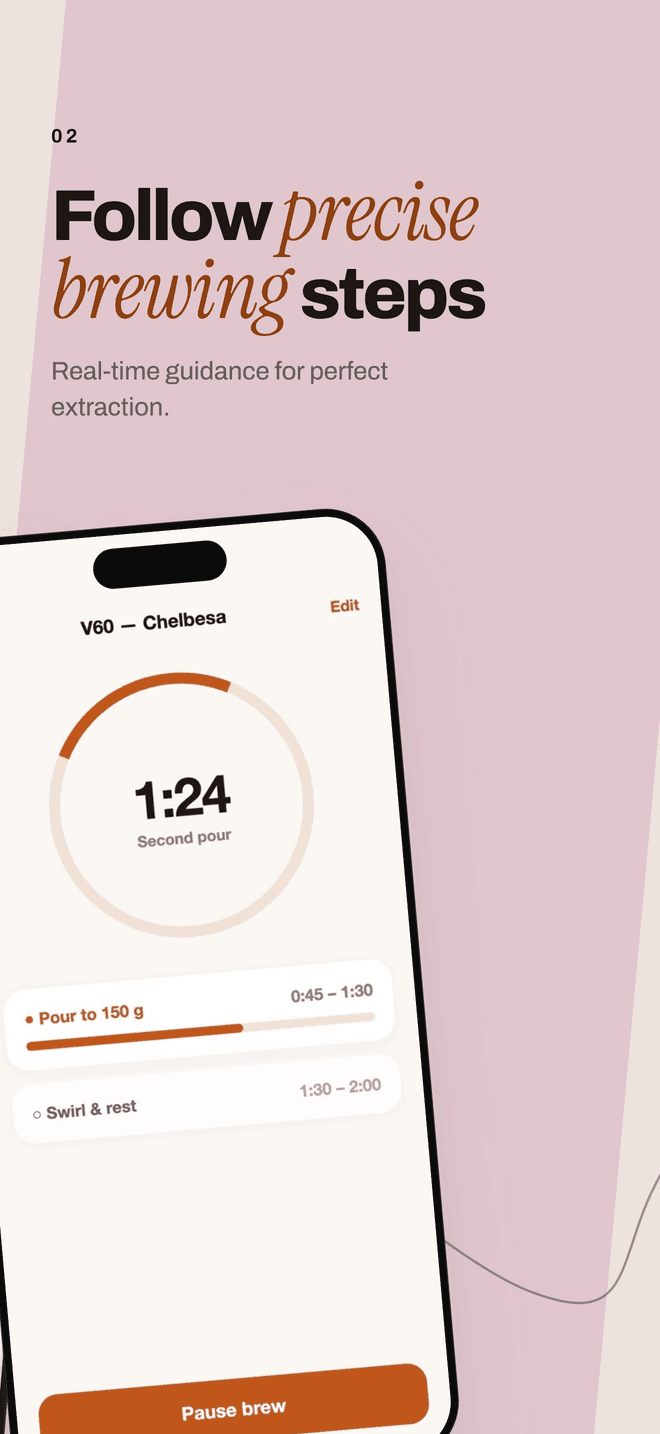
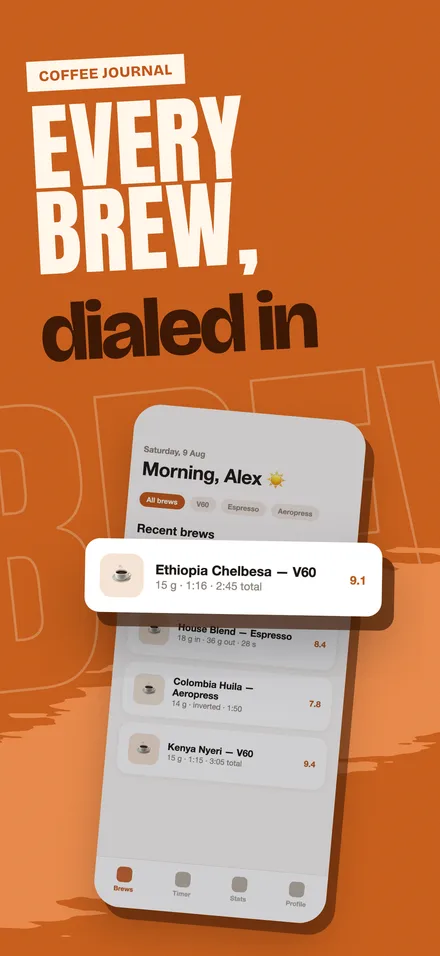
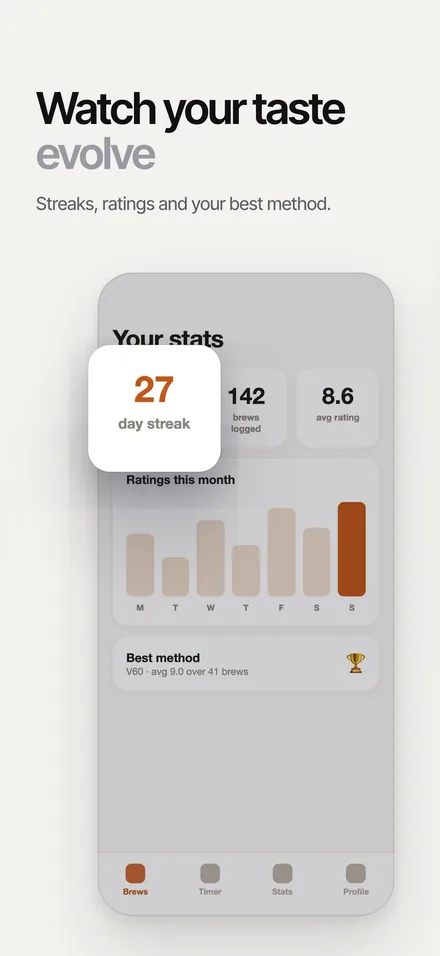
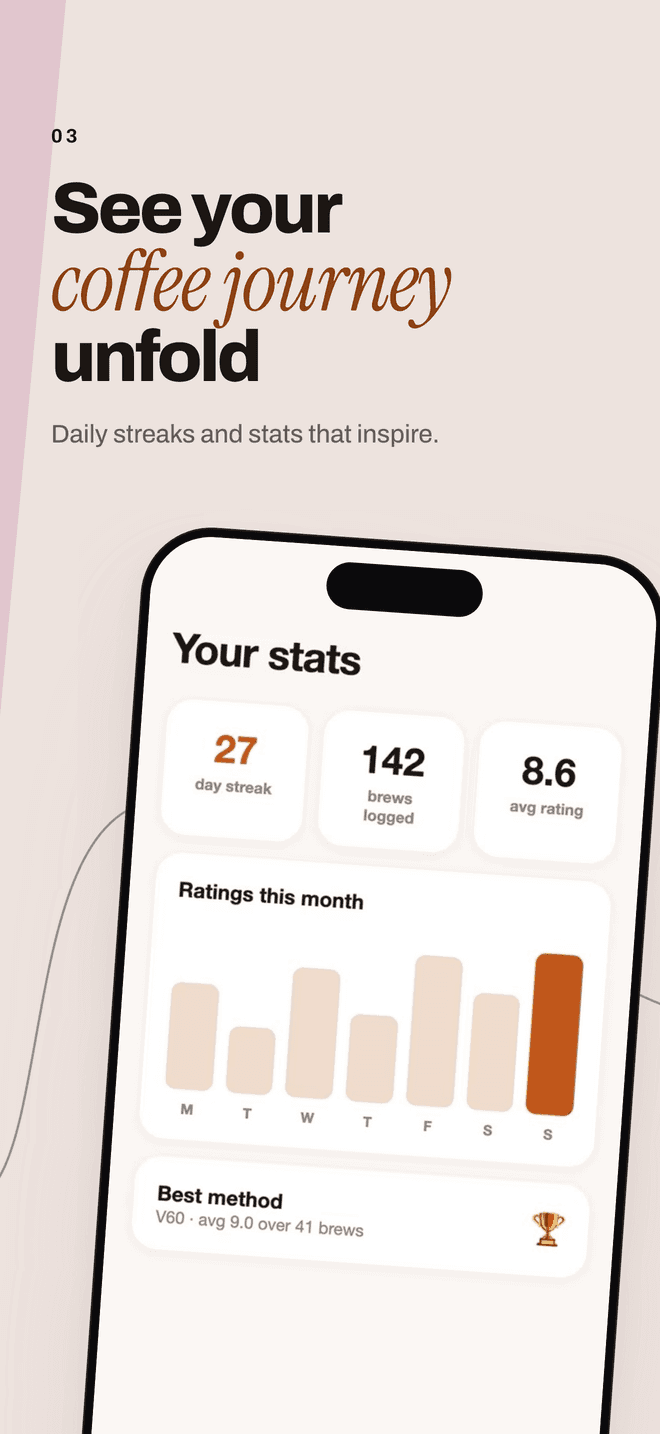
Three steps, from one credit.
Record
Screen-record your app on the phone or the simulator, up to two minutes. Drop the file in the studio and pick a style.
Pick the screens
Frames are pulled from the recording in your browser. Untick anything that should not be in a listing.
Download
The best screens, three to seven, get a headline, a subtitle and a layout each. You get PNGs at App Store size.
App Store sizes, handled.
An iPhone set is exported at 1320 × 2868, the largest iPhone size App Store Connect takes. A recording from an iPhone Duo gives a set at that display's own size. The screenshots go straight into the listing. Every size, in pixels. iPhone Duo screenshots.
iPhone, 6.9-inch
1320 × 2868 px
The largest iPhone size App Store Connect takes. Apple's spec says it scales a set down for smaller iPhones.
iPhone Duo
2007 × 2853 px
The inner display, from a recording of it. The outer display comes out at 1398 × 2034.
Ready to upload
PNG
Each screenshot is a flat PNG at the exact pixel size. Nothing to resize, crop or convert before App Store Connect accepts it.
Your recording never leaves your browser. Only the frames you approve go to the model. Free results are kept for seven days, paid sets for ninety.
Six styles. Same screens.
Your screens and headlines stay put. The style sets the page, the type and what lifts off the screen. Pick one before you generate. Every style at size.
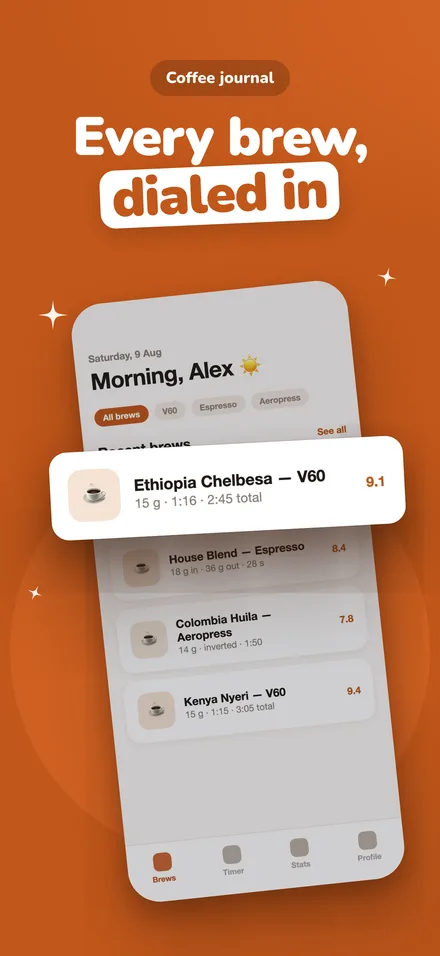
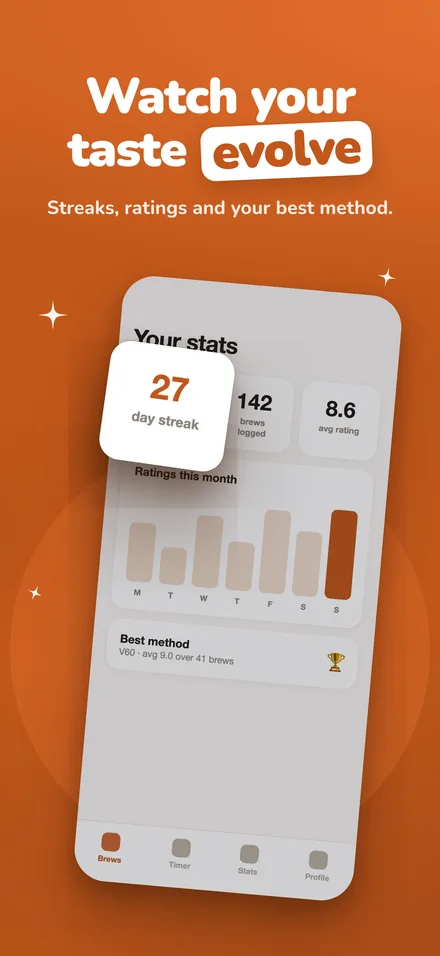
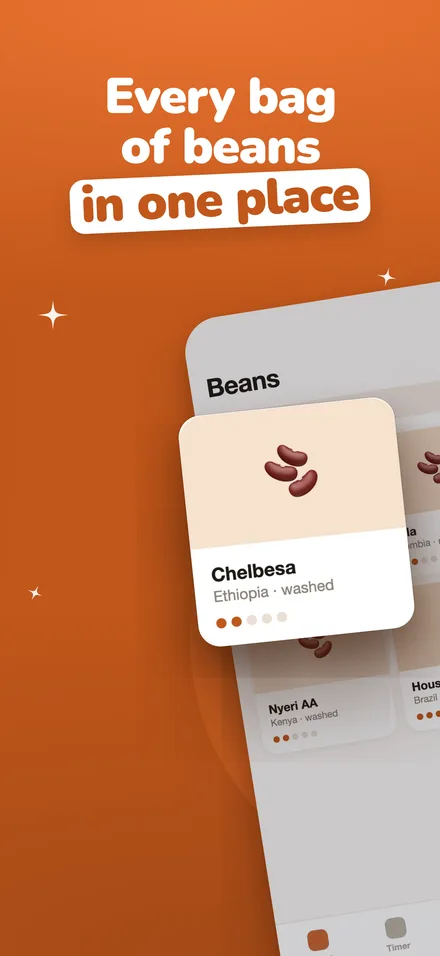
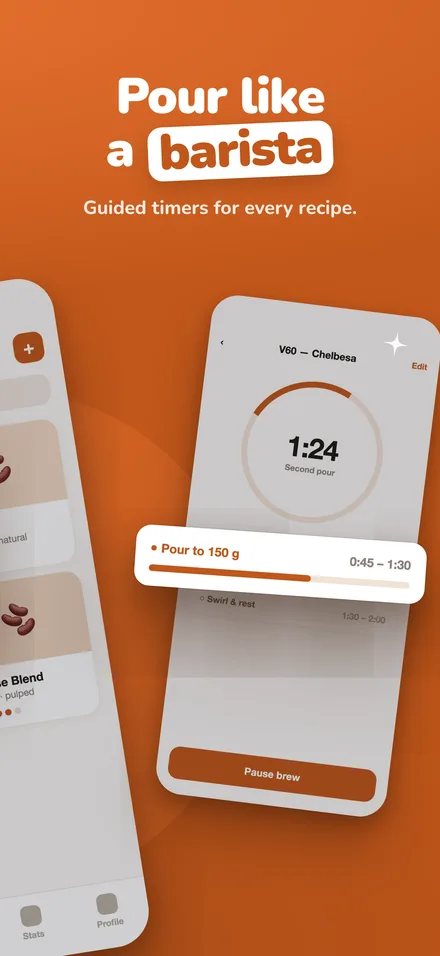
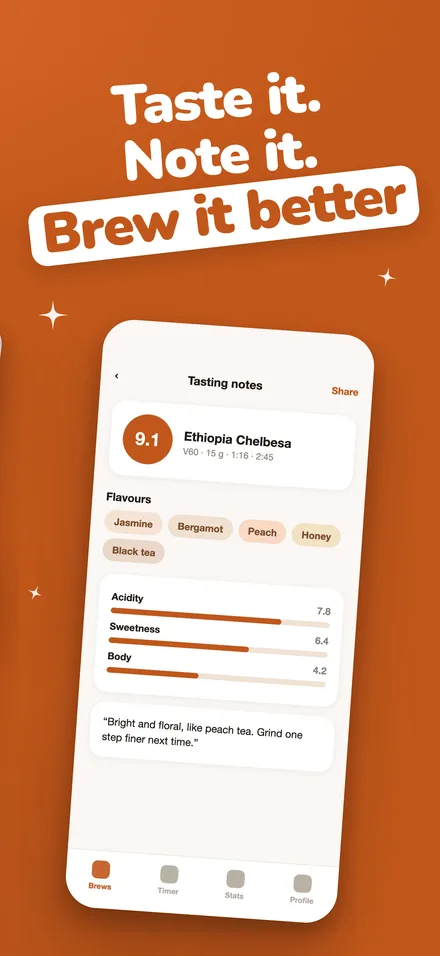
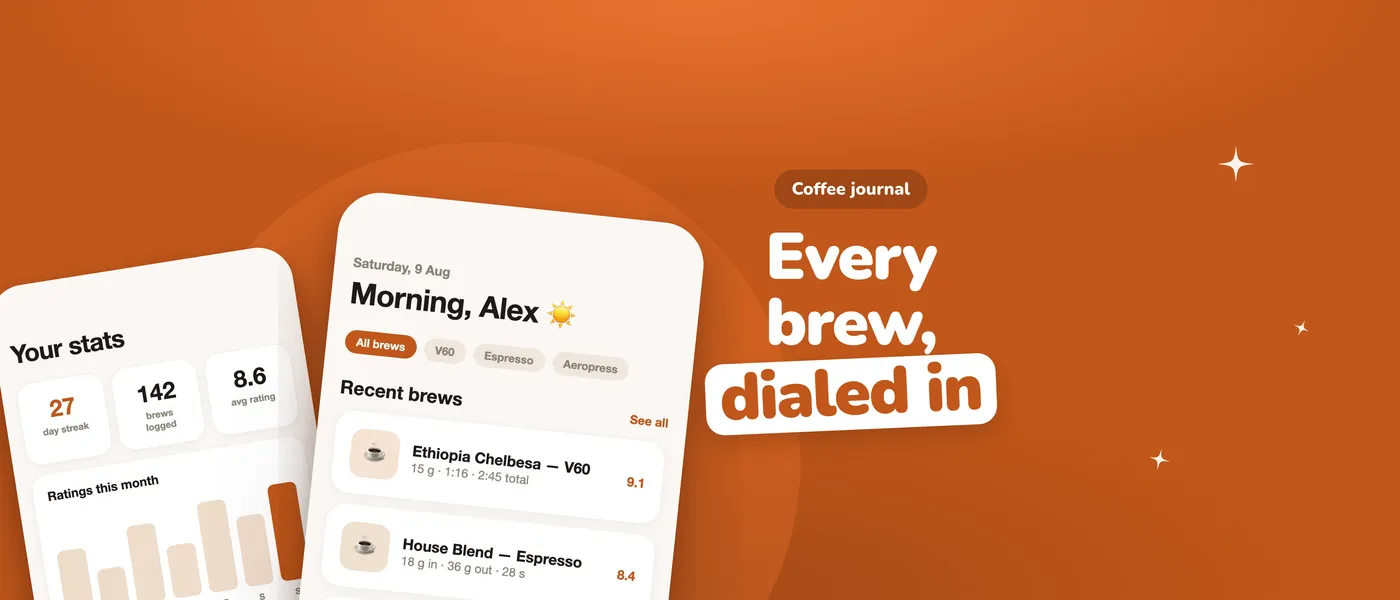
The App Store header, new in iOS 27.
The wide image above your app's name. We make it from your first screen, in your set's style. One credit, with a set or alone. See every style.
Credits by set size.
Three screens are one credit, four or five are two, and six or seven are three. The poster, your whole set as one image, and the App Store header are one credit more each, and so is another style after the set is made. The header alone is one credit, and so is the other display of an iPhone Duo set. Swapping a screen or the frame costs nothing.
- Free$0
The hero is shown in full. The other screens unlock with a credit.
- Starter$9 or €9
$3.00 a credit.
- Pro$19 or €19
$1.90 a credit.
- Studio$49 or €49
$1.23 a credit.
Questions, answered.
A screen recording of the app, up to two minutes, as an .mp4 or .mov. Record it on the phone from Control Centre or on the Mac from the Simulator.
1320 × 2868 pixels, the largest iPhone size App Store Connect takes. Apple's spec says it scales that set down for smaller iPhones. The sizes page has every size and the one Apple marks as required.
Yes. Record the app on an iPhone Duo or in the iPhone Duo simulator in Xcode 27.1. A recording of the inner display makes a set at 2007 × 2853, and one of the outer display at 1398 × 2034. Apple's spec says Duo screenshots are required from April 2027 for apps built with the iOS 27.1 SDK or later.
Not yet. appstills makes iPhone and iPhone Duo sets. For now, record on an iPhone, an iPhone Duo or in the Simulator.
Three on a free run. With credits a set can hold up to seven, chosen from the frames you approve.
Not yet. The output is sized for App Store Connect. Google Play sizes are on the list.
More on credits under pricing. How a run works, step by step, in the guide.