Your first three screenshots are your search result.
Updated
For most apps, App Store search shows the icon, the name, the rating and the first screenshots. This guide collects what Apple says about when that changes, and how to make those screens read at search size.
What a search result shows
Apple's App Store search page says that with the rating, "up to three screenshots or app previews may display in search results." The platform and the image orientation set how many.
Apple's product page guide says the first one to three screenshots appear "when no app preview is available." If the app has an app preview, the result can show the preview instead.
Three portrait screenshots fit side by side, so a portrait set shows three. A landscape screenshot fills the row alone, so a landscape set shows one.
What can take their place
- An app preview. As above, a preview can show instead of the screenshots.
- An in-app event. The event card shows only to people who downloaded the app before. Apple's events page says people who never downloaded it see the screenshots or app previews instead.
- A custom product page. If you assign keywords to a custom product page, that page shows in search for those keywords. Its screenshots show, not the default ones.
- A search results creative asset. On iOS 27 and iPadOS 27 and later, an app can add an image or a video for search. It is optional. Apple says that without one, the in-app events, app previews and screenshots appear.
Make the first three screens work small
In a portrait result, each screenshot has about a third of the phone's width. A headline that reads on the full 1320 × 2868 file can be too small to read there.
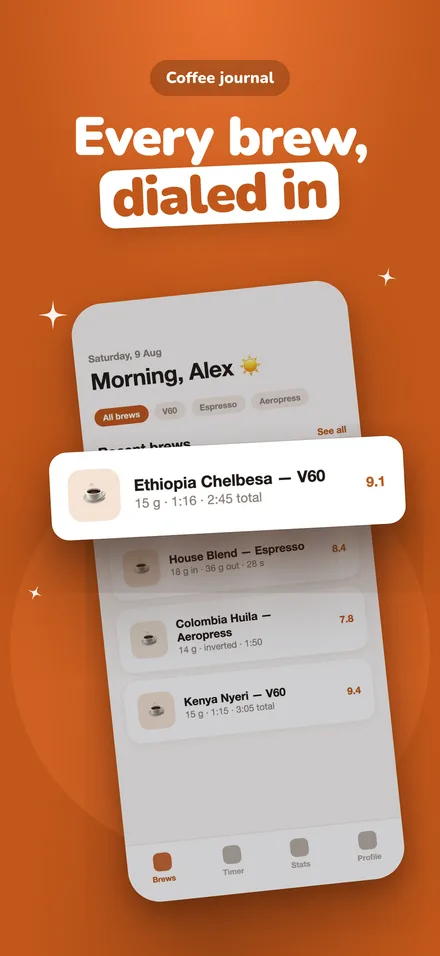
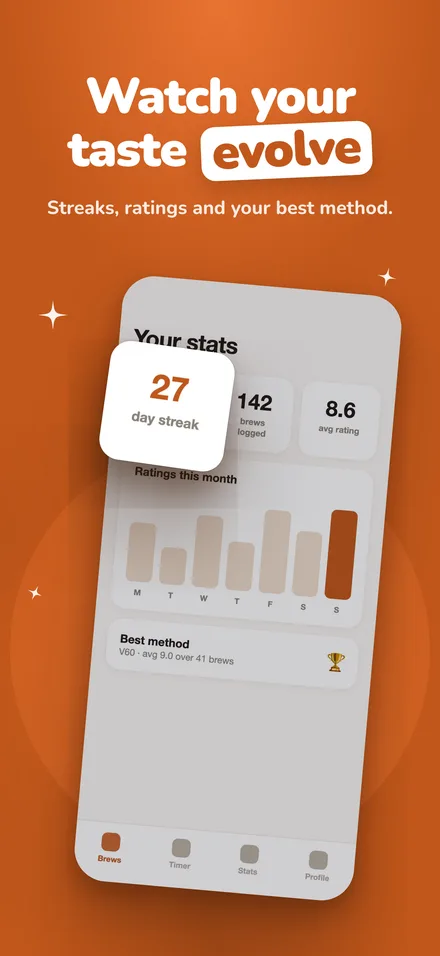
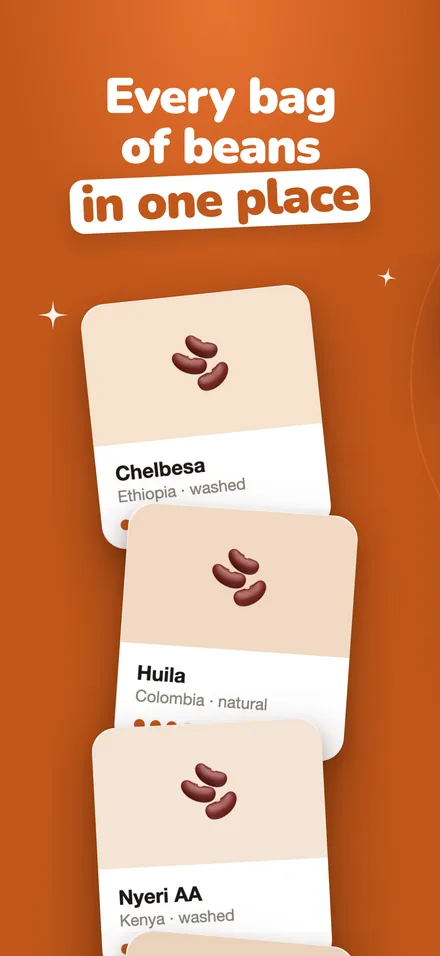
- Put the screen that shows what the app is for first. Apple asks for first images that "highlight the essence of your app."
- One idea per screen. The fourth screen is not in the result, so the first three carry it.
- Keep the headline to a few words in large type. Apple's asset guide asks for a short phrase that adds to the image and does not describe it.
- Show the app in use, with real content. An empty state reads as nothing at this size.
- Leave out prices, discounts and URLs. Apple's asset guide asks for this too.
Check it before you submit
Shrink the first three screenshots to a third of your phone's width and look at them on the phone. If a headline does not read, make it shorter or larger.
App Store Connect also has a product page preview. Apple says it shows the header, the app name, the description, the screenshots and the search results creative assets before the page goes live.
Should you add a search results asset?
Apple calls the search asset the first thing people see in Search, before the product page. Apple's advice is to make the app's purpose clear at a glance, and to show the interface, content or gameplay.
The asset is 3:2, from 1920 × 1280 to 3840 × 2560, or a 16:9 PNG at 5244 × 2950. A video is 5 to 30 seconds. See the size page for every number, or Apple's spec.
Apple says creative assets appear on iOS 27 and iPadOS 27 and later. People on earlier versions still see the screenshots, and so does everyone who searches for an app without the asset. appstills makes the screenshots, not the search asset.
Questions
- How many screenshots show in App Store search results?
- Up to three. Apple gives the count as one to three, by orientation. Three portrait screenshots fit side by side, and a landscape screenshot fills the row alone. If the app has an app preview, the preview can show instead.
- Do in-app events replace screenshots in search?
- Only for people who downloaded the app before. Apple says people who never downloaded it see the screenshots or app previews instead of the event card.
- What size is the search results image on iOS 27?
- 3:2, from 1920 × 1280 to 3840 × 2560 pixels, as .jpeg, .jpg or .png. Apple also lists a 16:9 PNG at 5244 × 2950. The asset is optional.
Sources
Apple's pages, read on 17 October 2026.
Make the first three screens from one recording.
Drop in a screen recording. appstills picks the best screens, writes the headlines and renders the set.
The first set each day is free.