iPhone Duo screenshots, from one recording.
Updated
iPhone Duo has two displays, and App Store Connect has a screenshot size for each. This guide gives the sizes, what Apple says about the April 2027 rule and the badge, and how to make a set from a recording of the Duo simulator.
The sizes
iPhone Duo is a foldable iPhone with a compact outer display and a large inner display. Folded, an app runs on the outer display. Unfolded, it fills the inner one.
Apple lists four sizes in one iPhone Duo row of its screenshot specifications. The usual file rules apply. Use .jpeg, .jpg or .png, up to 10 screenshots per device size, with no alpha channel. The page does not say if a set must show both displays. Every other size is on the size page.
- Outer display. 1398 × 2034 pixels in portrait, 2034 × 1398 in landscape.
- Inner display. 2007 × 2853 pixels in portrait, 2853 × 2007 in landscape.
The April 2027 rule
Apple's screenshot specifications say iPhone Duo screenshots will be required from April 2027 for any app that uses the iOS 27.1 SDK or later.
Apple's developer news post of 5 October 2026 puts it more widely. From April 2027, it says, every app or game submitted needs iPhone Duo screenshots. The same post says iPhone Duo is on sale from 23 October 2026.
The optimized badge
You do not have to wait for April. Apple says that when you submit iPhone Duo screenshots in App Store Connect, your product page shows a badge. The badge tells people the app is optimized for iPhone Duo.
Apple's preparation page also asks for screenshots that show the app across orientations, and says the App Store Connect preview tool shows how your assets look on iPhone Duo.
Why an iPhone set does not fit
An iPhone screenshot at 1320 × 2868 is 2.17 times as tall as it is wide. The Duo's inner display is 1.42 and the outer display 1.45. A resized iPhone screenshot is stretched or cut to fit.
The app also looks different on iPhone Duo. In Apple's Duo tech talk, the outer display has the size classes of other iPhones, and the inner display is regular in both directions, with room for more content such as sidebars. App Review guideline 2.3 asks that screenshots "accurately reflect the app's core experience." So show the app as it runs on iPhone Duo.
Record on the iPhone Duo simulator
- Install Xcode 27.1 and the iOS 27.1 simulator runtime. The iPhone Duo simulator needs iOS 27.1 or later.
- Run your app on the iPhone Duo simulator in Device Hub. Apple's tech talk shows control buttons at the bottom of the screen that open, close, rotate and fold the device.
- Set a clean status bar. appstills keeps the Duo's own status bar, so set it before you record.
xcrun simctl status_bar booted override --time 9:41
- Record one display, in portrait. List the displays first. In Xcode 27.1 the outer display is named
primaryand the inner displayprimary-1.xcrun simctl io booted enumerate xcrun simctl io booted recordVideo --display=primary-1 --mask=ignored inner.mov
Press Control-C to stop. Use--display=primaryfor the outer display. With--mask=ignoredthe file keeps its square corners. appstills draws the corners itself. If the file comes out in landscape, the studio tells you before anything is spent. - Or save screenshots of the screens you want, 3 to 10 of them.
xcrun simctl io booted screenshot --display=primary-1 --mask=ignored inner-1.png
A screen recording made on an iPhone Duo also works. Keep each recording to one display.
How appstills makes the set
Drop the recording or the screenshots in the studio. appstills reads the display from the size of the file. 2007 × 2853 is the inner display and 1398 × 2034 is the outer one. A file at another size can also have the shape of an 11-inch iPad, so then the studio asks which device you recorded on.
Then it works as for an iPhone. You pick a style and the screens, it writes the headlines, and you download PNGs at the exact Duo size, with no alpha channel. Every one of the six styles lays out the Duo's wider page. Your app's screen keeps its own shape, so nothing is stretched. A set costs the same credits as an iPhone set.
For both displays, make the set from one of them. Then, under Extras, add the other display for one credit. Drop a recording or screenshots of it. Screenshots go with the set's screens in order. From a recording, you tap the frame for each screen. The headlines, colours, style and frame stay, so no second model run is needed.
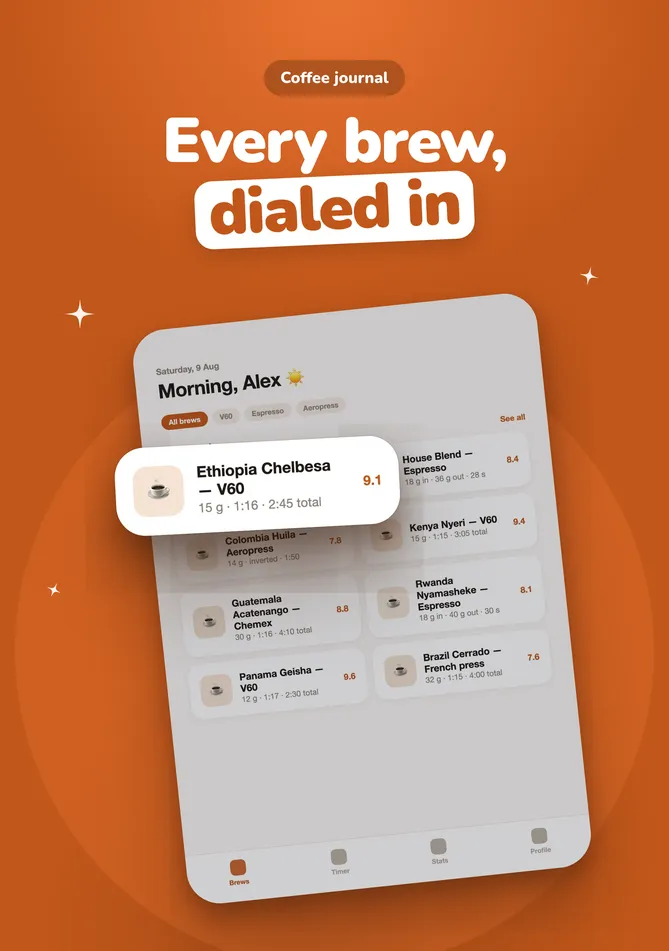
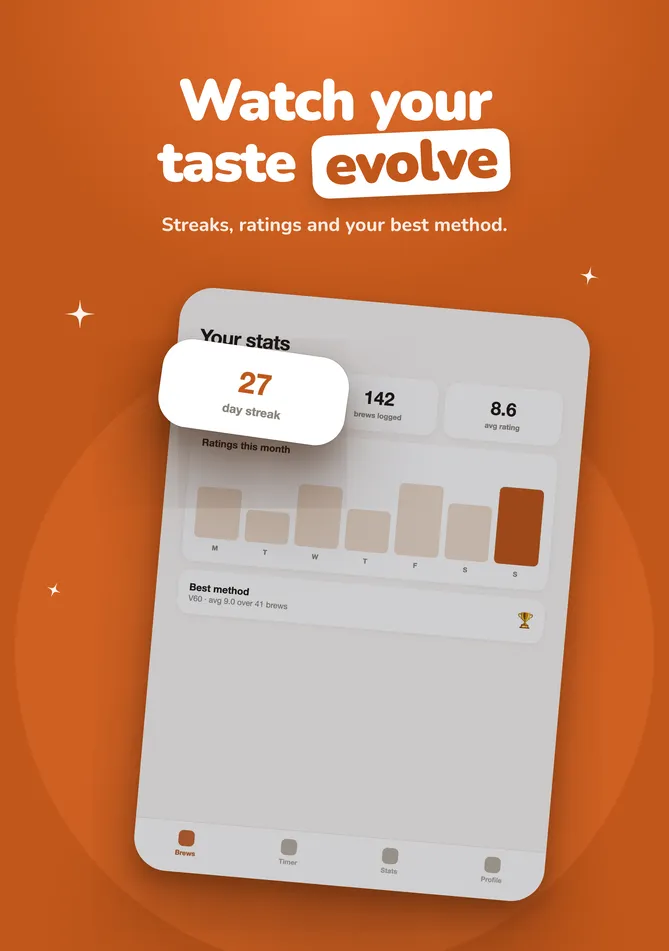
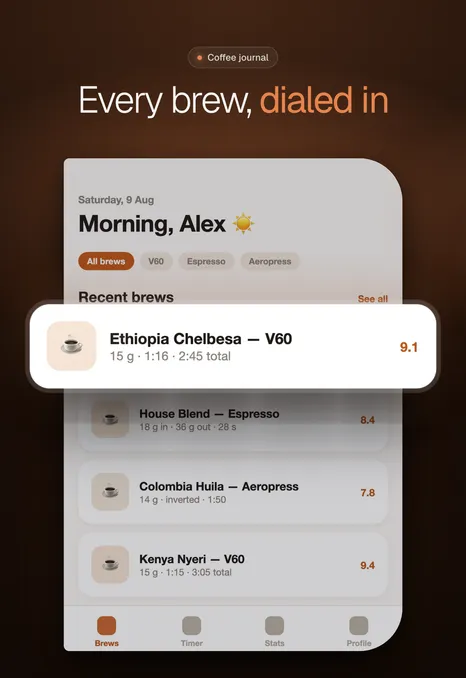
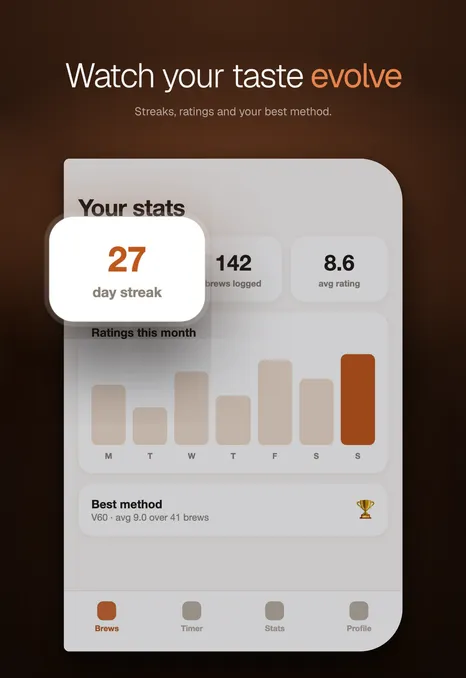
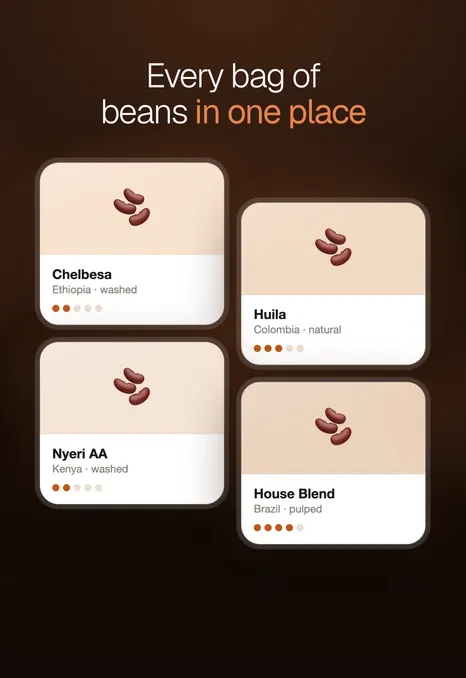
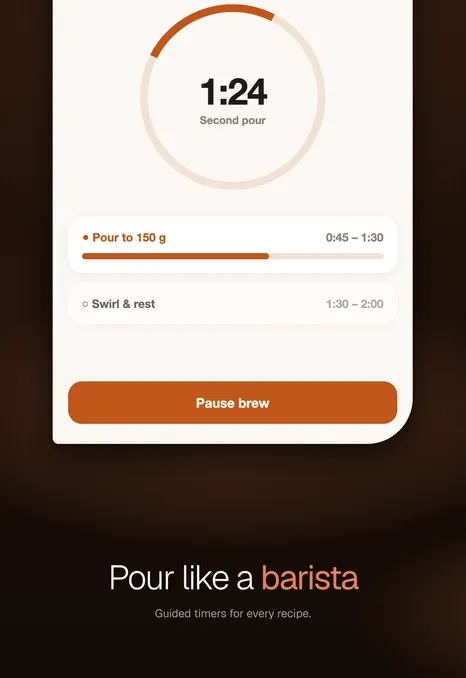
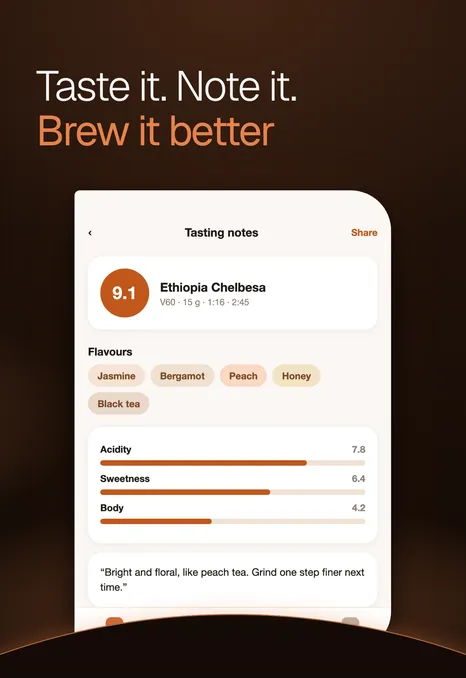
Below, a sample coffee app. appstills rendered both sets from the app's own screens on each display.
The inner display in Pop, 2007 × 2853.

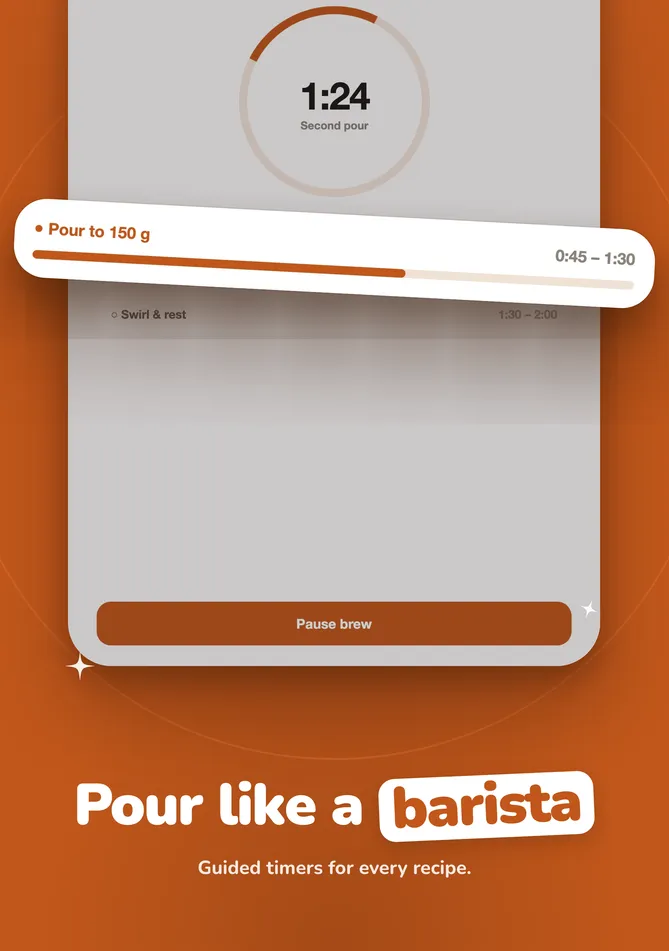
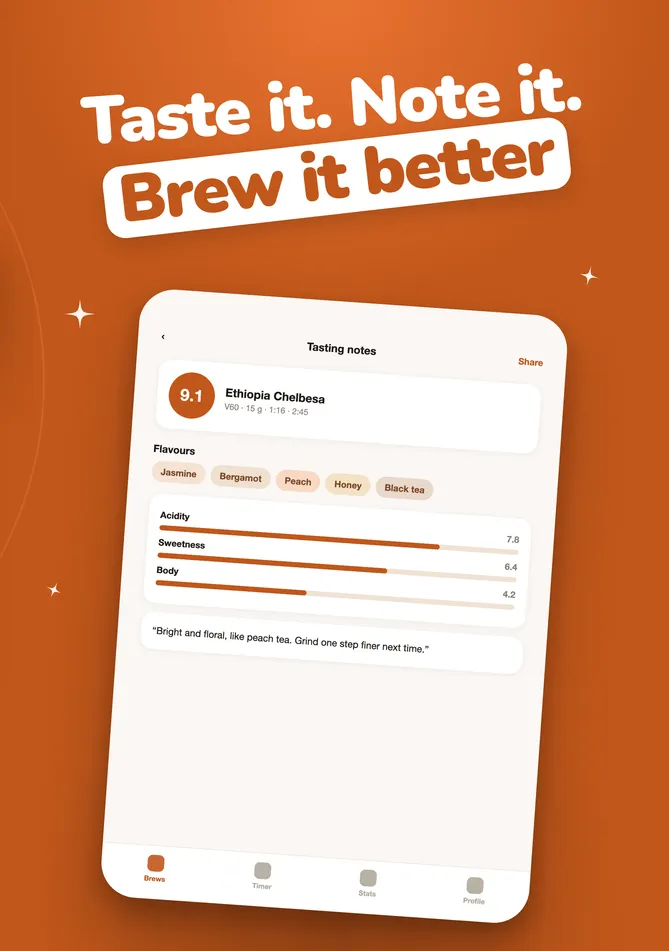
The outer display in Night, 1398 × 2034.
Questions
- What size are iPhone Duo App Store screenshots?
- 1398 × 2034 pixels for the outer display and 2007 × 2853 for the inner display, in portrait. In landscape they are 2034 × 1398 and 2853 × 2007.
- When are iPhone Duo screenshots required?
- From April 2027. Apple's screenshot specifications say they will be required for any app using the iOS 27.1 SDK or later.
- Can I resize my iPhone screenshots for iPhone Duo?
- No. Both Duo displays have a wider shape than an iPhone, so a resized iPhone screenshot is stretched or cut. Record the app on the iPhone Duo simulator and make the set from that.
- Do I need a set for each display?
- Apple lists both displays in one iPhone Duo row. Its pages do not say if one display fills that slot. To show your app folded and unfolded, make the set from one display and add the other in the studio for one credit. It keeps the headlines, colours and style, and takes the other display's own screens.
- What is the iPhone Duo badge?
- Apple says that when you submit iPhone Duo screenshots in App Store Connect, the product page shows a badge that tells people the app is optimized for iPhone Duo.
Sources
Apple's pages, read on 17 October 2026.
Make your iPhone Duo set from one recording.
Drop in a screen recording. appstills picks the best screens, writes the headlines and renders the set.
The first set each day is free.