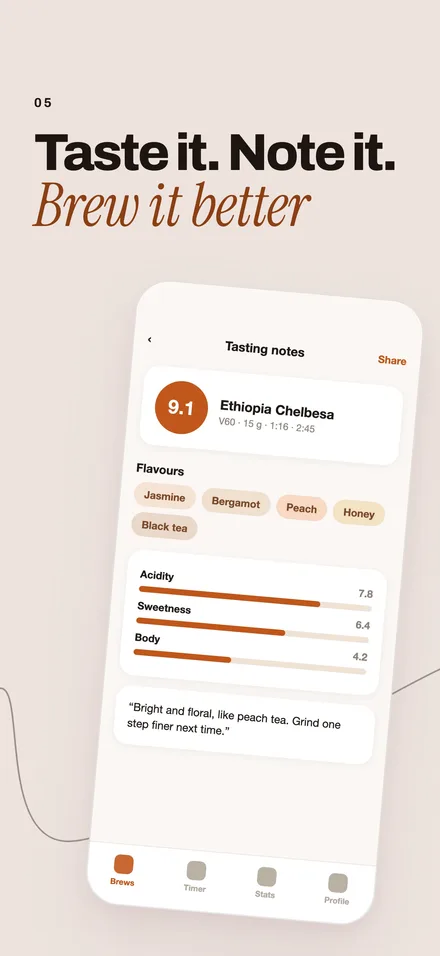
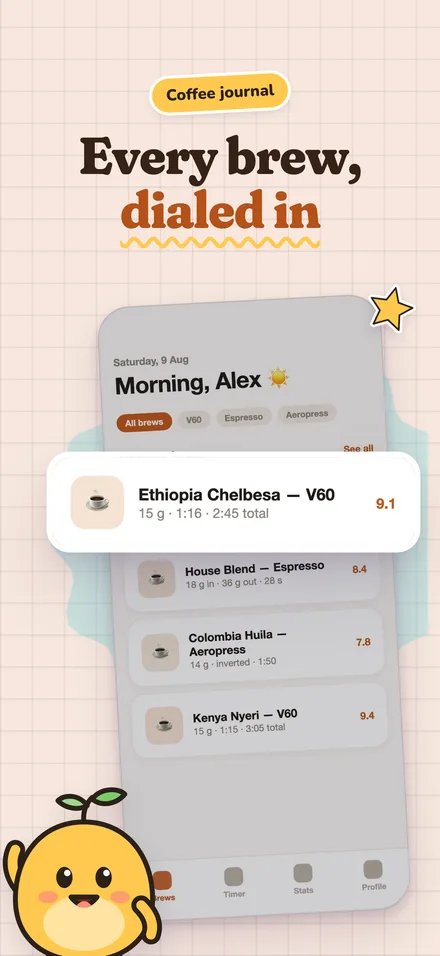
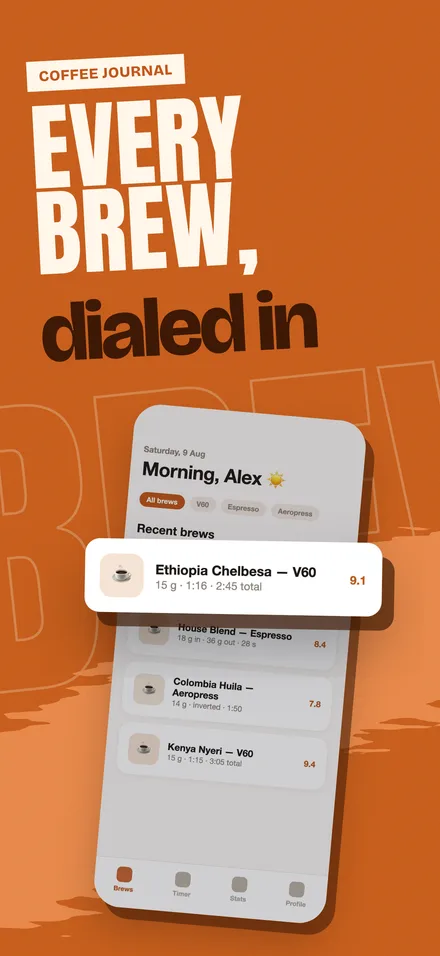
Editorial. Set like a magazine page.
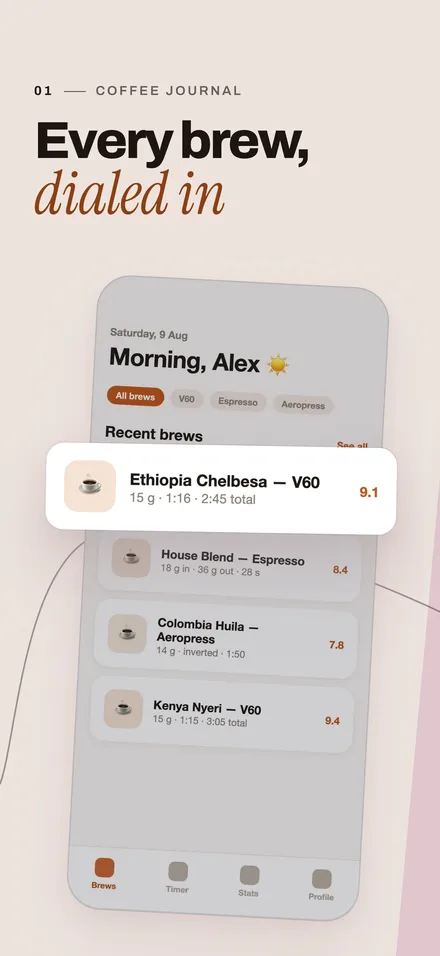
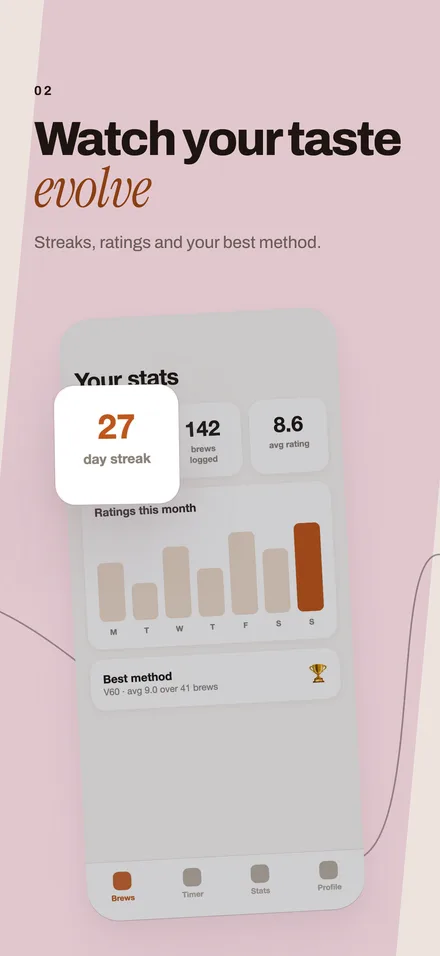
Two muted tones of your colour take turns, each headline sets one phrase in an italic serif, and one thin line runs through the set.
Suits reading, health, journaling and lifestyle apps.
A five-screen set
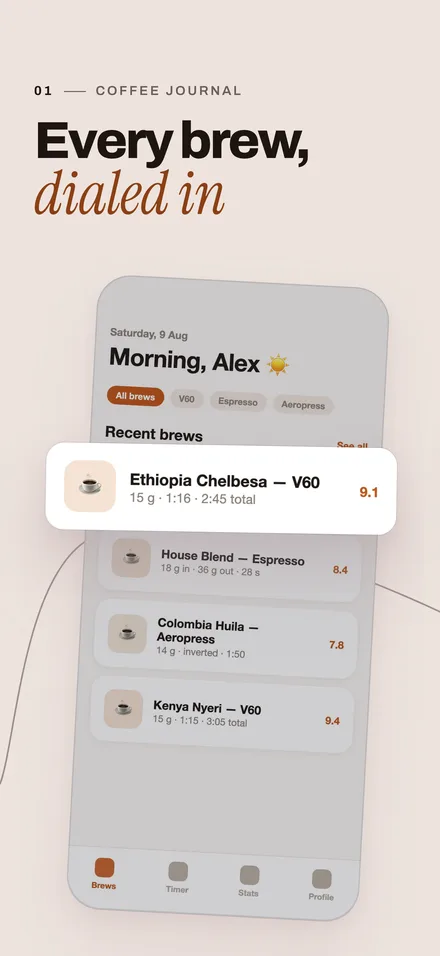
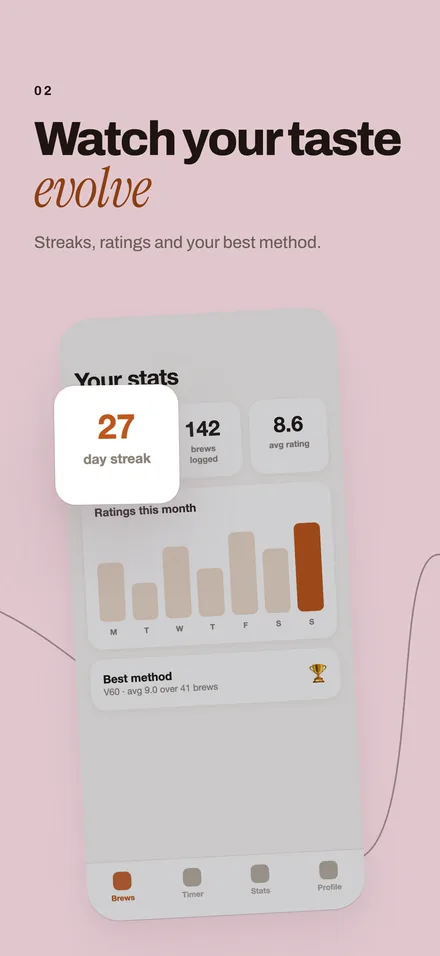
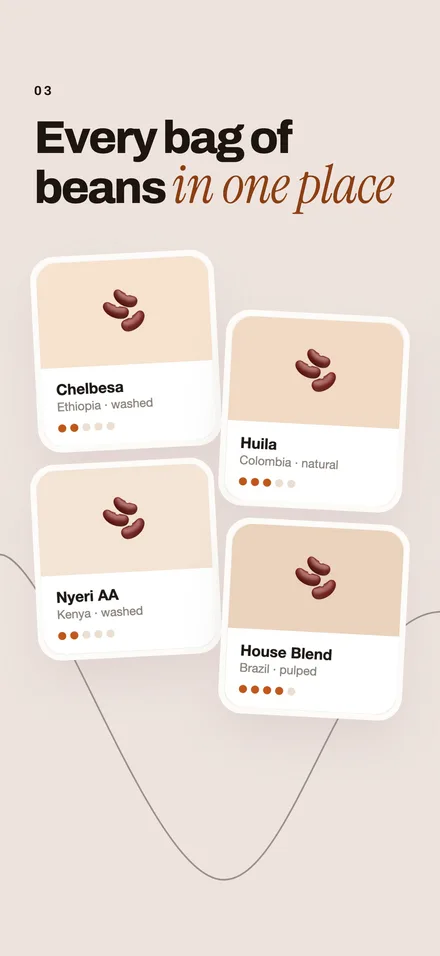
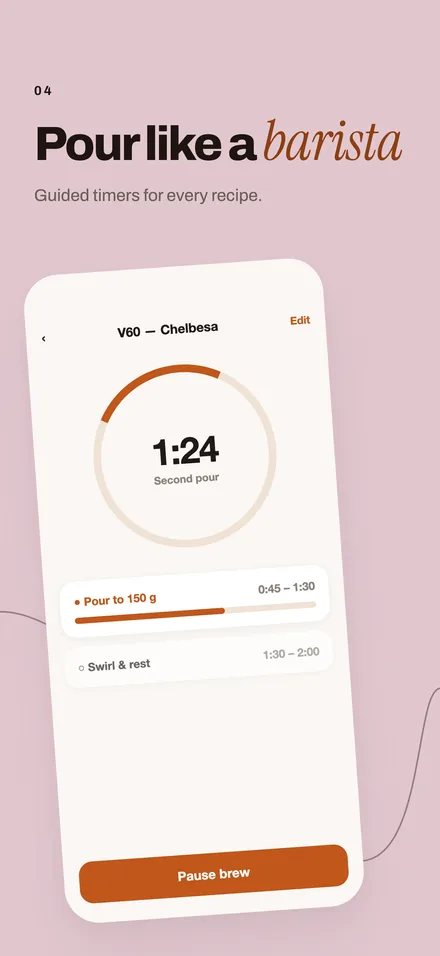
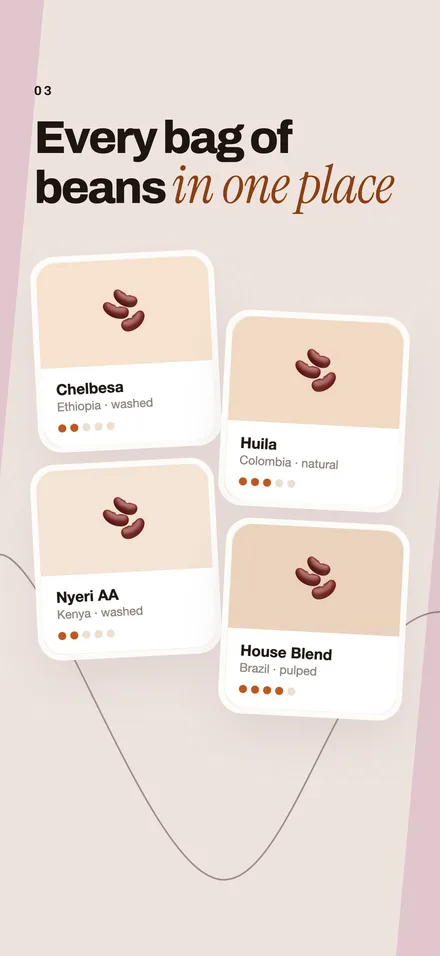
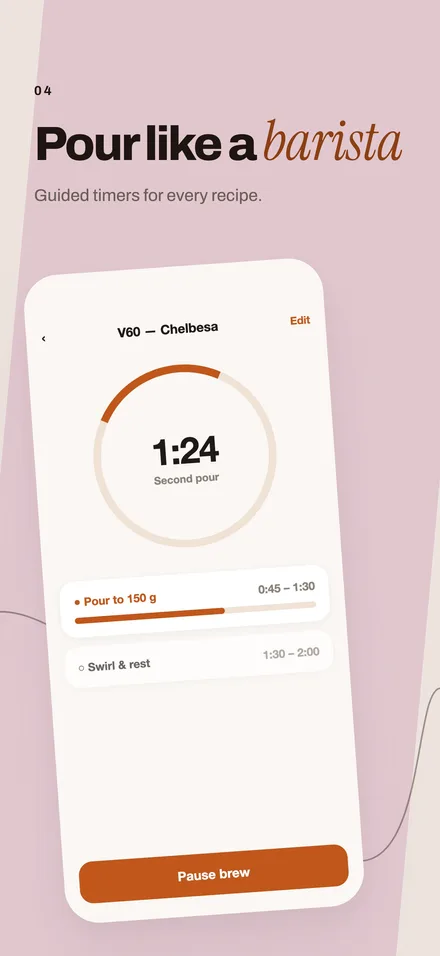
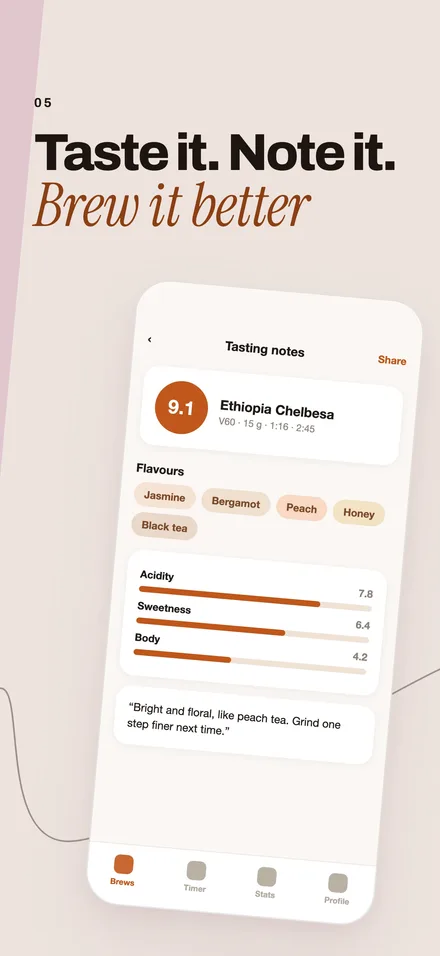
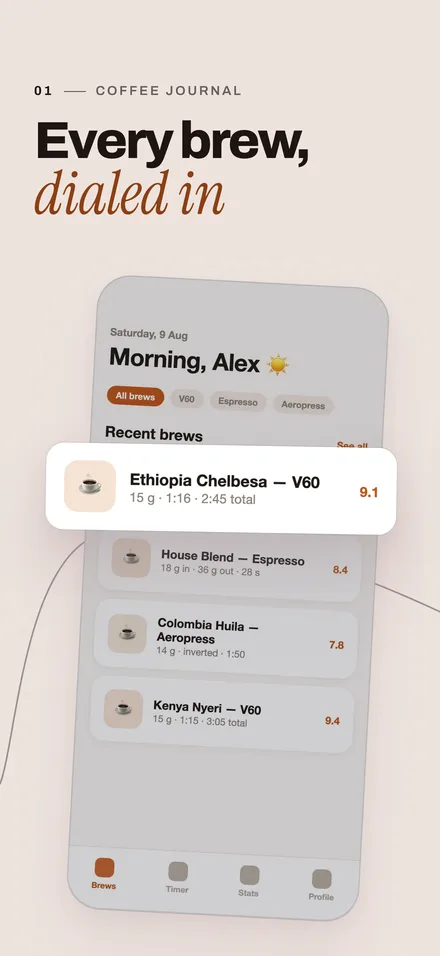
A sample app, Brewlog, rendered by the same renderer the studio uses. Each screenshot is 1320 × 2868 px.
Every frame
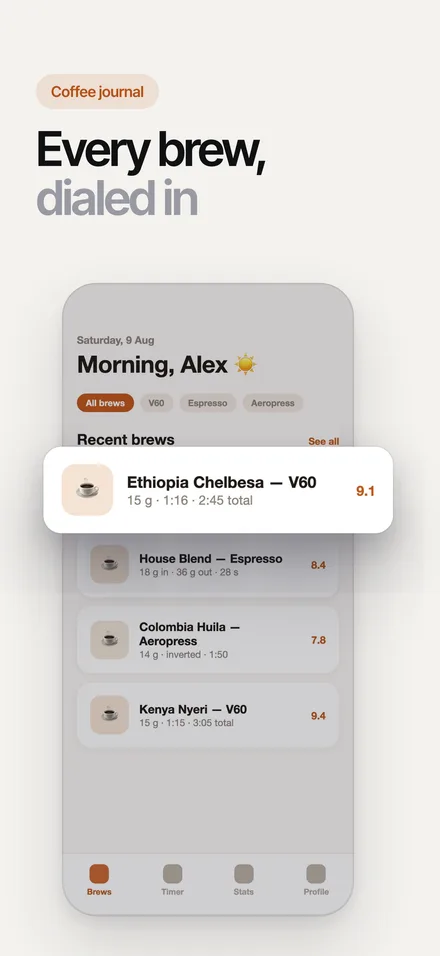
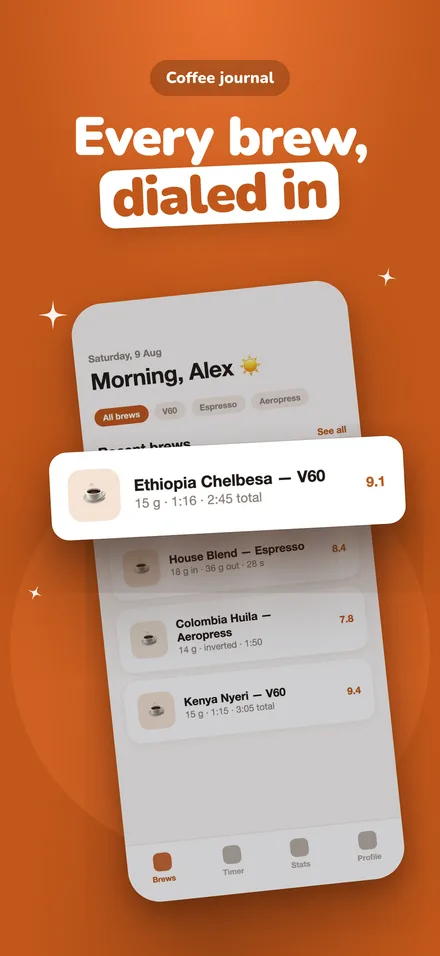
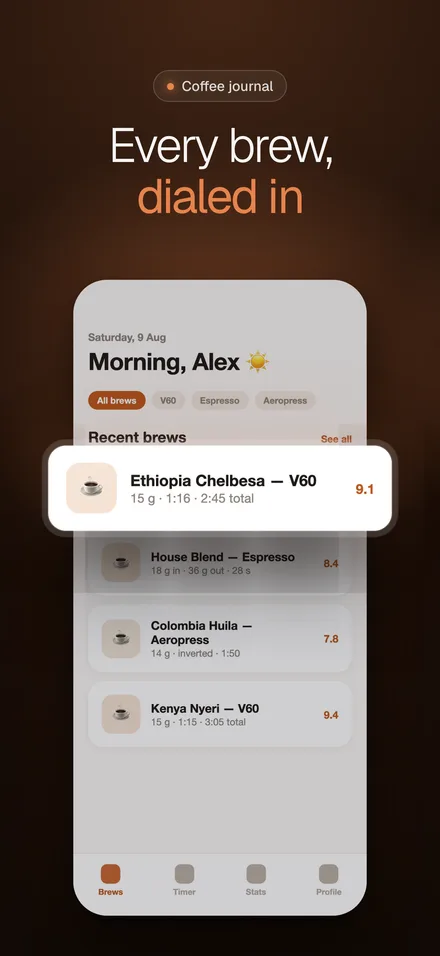
You pick how each screen sits on the page. The style stays the same.
None 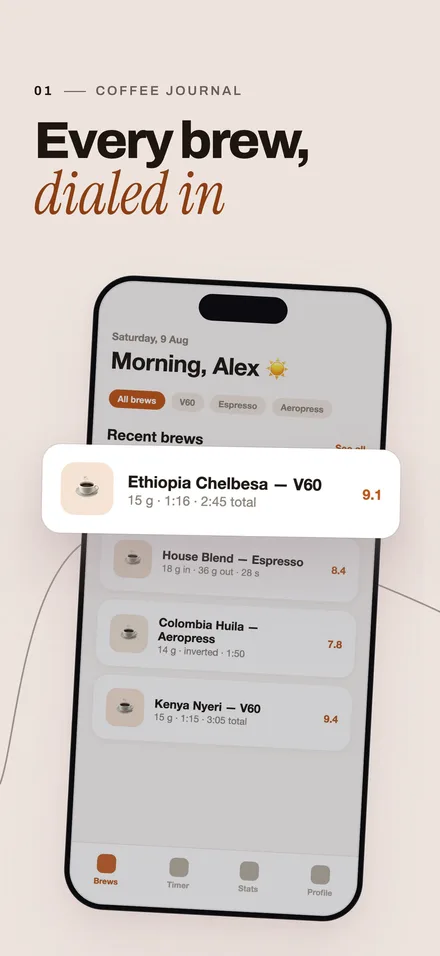
Outline 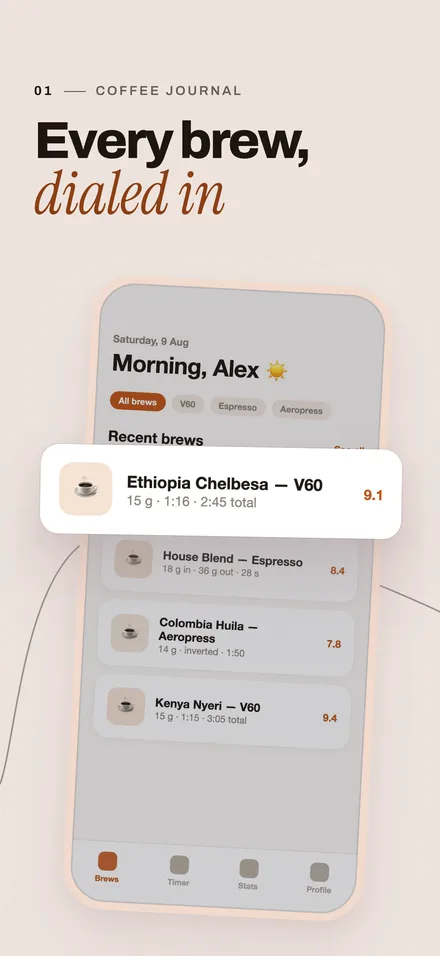
Mat 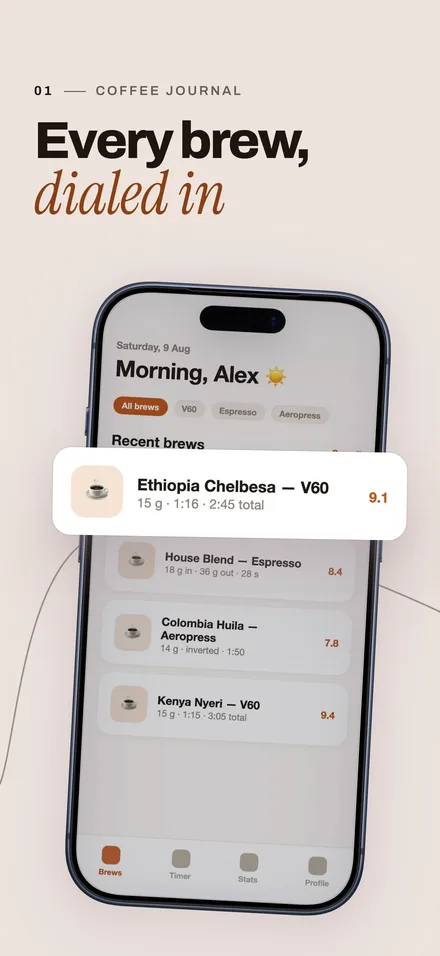
Phone
Flow across screens
The App Store shows the screenshots side by side. With flow on, shapes run across the edges, so the set reads as one picture. Each screen still works on its own. It is a switch in the studio, free to change.